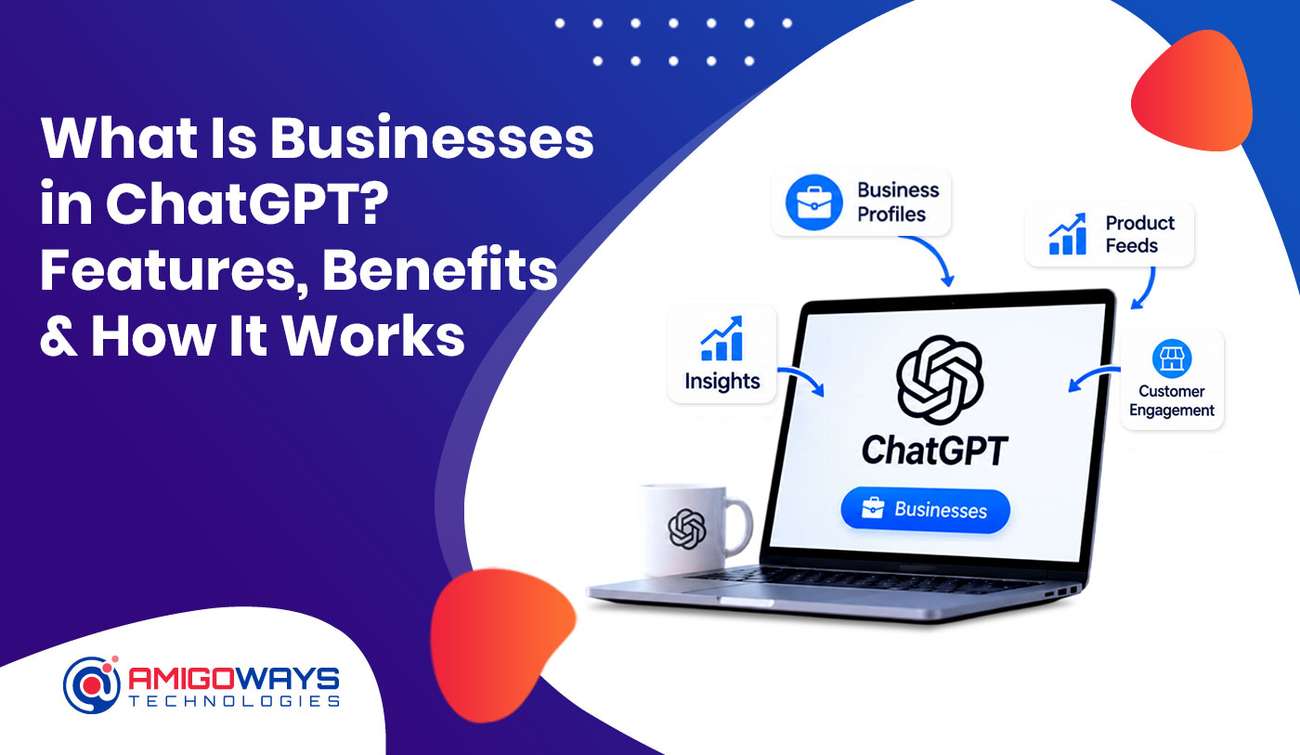

The way customers discover businesses is changing. Along with Google, people are increasingly using AI-powered tools like ChatGPT to find products, services, and business recommendations.
This shift creates exciting new opportunities for businesses to improve their online visibility and reach potential customers through AI-powered search.
On November 10, 2026, OpenAI introduced Businesses in ChatGPT in beta. This feature helps eligible businesses manage their profiles, update business information, and gain insights into how customers discover them through ChatGPT. But how does it work? Is it free or paid? And how is it different from Google Business Profile?
In this Amigoways Blog, we’ll explore everything you need to know about Businesses in ChatGPT, including its key features, benefits, and opportunities for businesses looking to strengthen their digital presence in the evolving AI search landscape.
What Is Businesses in ChatGPT?
Businesses in ChatGPT is a business discovery and management feature introduced by OpenAI.
It allows eligible businesses to manage their profiles, update business information, share product details, and understand how customers discover them through ChatGPT.
For example, users can ask ChatGPT to recommend jewellery stores offering digital gold savings and explore relevant businesses.
Businesses can also use AI-powered Business Agents to answer customer questions and connect with potential customers.
In simple terms, it helps businesses improve their visibility and connect with customers through AI.
Why Did OpenAI Introduce Businesses in ChatGPT?
Traditional search requires users to visit multiple websites and compare information. AI search makes this easier by allowing users to ask questions in a conversational way.
For example, instead of searching for jewellery shops, users can ask ChatGPT:
“Which jewellery shops in Chennai offer monthly gold savings schemes?”
This helps customers explore relevant options more easily. With Businesses in ChatGPT, OpenAI aims to help companies manage their business information, improve their visibility, and understand how customers discover them through AI search.
Key Features of Businesses in ChatGPT
Manual Record Keeping
Customer and payment information may be spread across registers, spreadsheets, or multiple systems.
Payment Tracking
Following up on pending or recurring payments can require considerable manual effort.
Customer Follow-Ups
Remembering every customer’s payment date, scheme status, and redemption stage can be difficult.
Data Visibility
Owners may not have an immediate view of overall savings collections, active schemes, customer activity, or branch performance.
Growing Customer Base
A process that works for 100 customers may become difficult to manage when the customer base reaches thousands.
DigiGold software addresses these operational challenges through centralized digital management.
Are Businesses in ChatGPT Free or Paid?
1. ChatGPT Business – Paid Subscription
ChatGPT Business is a paid workspace designed for companies and teams. It offers collaboration tools, admin controls, centralized billing, and access to AI features.
| Seat Type | Annual Billing | Monthly Billing |
|---|---|---|
| Standard | $20/user/month | $25/user/month |
| Premium | $100/user/month | $125/user/month |
- Minimum two paid seats required.
- Standard seats support everyday business tasks.
- Premium seats offer higher usage limits.
- Business data is not used for AI training by default.
2. Businesses in ChatGPT – Business Hub
Businesses in ChatGPT is a separate platform that helps companies manage their business profiles, update information, share product feeds, and access business insights.
Is it free?
OpenAI’s announcement does not specify a separate fee for claiming business profiles or require a ChatGPT Business subscription for this purpose. Businesses should check Business Hub for the latest pricing and eligibility details.
In simple terms: ChatGPT Business is a paid workspace for employees, while Businesses in ChatGPT helps companies manage their presence and connect with customers through ChatGPT.
How Does Businesses in ChatGPT Work?
Getting started with Businesses in ChatGPT involves a few simple steps.
Step 1: Visit OpenAI Business Hub
Visit the official Business Hub and check your company’s eligibility.
Step 2: Claim Your Business
Find your organization and follow the instructions to claim your business profile. Eligible Shopify merchants can also connect their stores.
Step 3: Complete Verification
Complete OpenAI’s verification process to confirm that you are authorized to manage the business.
Step 4: Update Business Information
Add or update your business details, product information, pricing, and availability.
Step 5: Monitor Business Insights
Track business mentions, website clicks, and customer discovery trends to understand your visibility through ChatGPT.
Step 6: Explore Business Agents
If eligible, create a Business Agent to help customers explore your products and services and get answers to their questions.
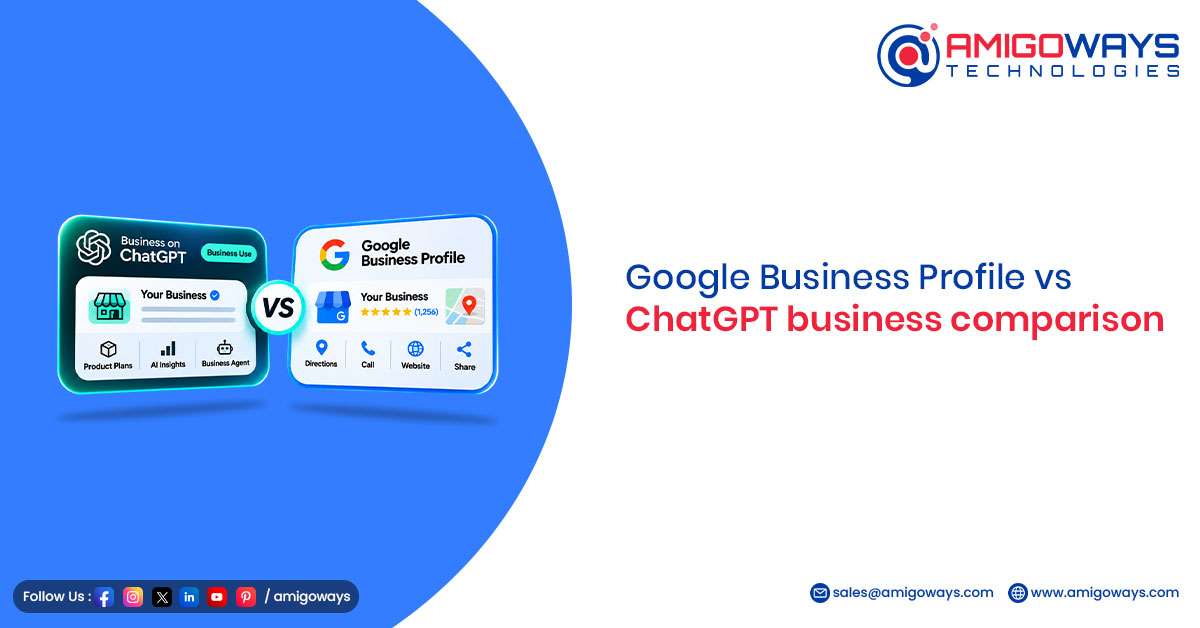
Businesses in ChatGPT vs Google Business Profile: What's the Difference?
If you already use Google Business Profile, you may wonder why you need another platform to manage your business.
Both platforms help businesses maintain an online presence, but they work differently.
Google Business Profile helps customers discover local businesses through Google Search and Maps.
Businesses in ChatGPT helps companies manage their information and understand how people discover and interact with them through ChatGPT.
Here is a comparison to make the difference clear.
| Comparison | Google Business Profile | Businesses in ChatGPT |
|---|---|---|
| Platform | Google Search and Maps | ChatGPT |
| Main Purpose | Local business discovery | AI-powered business discovery |
| Cost | Free | No separate profile-claiming fee announced |
| Business Details | Address, phone, hours, website | Business information and product details |
| Customer Interaction | Reviews, replies, posts and updates | Business Agents for eligible businesses |
| Product Information | Products and services, depending on available features | Product feeds with pricing and availability |
| Insights | Search and Maps performance | Mentions, website clicks and discovery topics |
| Main Benefit | Helps customers find local businesses | Helps businesses manage their presence in ChatGPT |
Which Platform Should Your Business Choose?
The right platform depends on how you want customers to discover your business.
Choose Google Business Profile if:
- You want customers to find your physical store through Google Maps.
- You want to display your address and opening hours.
- You want to manage customer reviews.
- You want to improve local search visibility.
Explore Businesses in ChatGPT if:
- You want to manage your business information through ChatGPT.
- You want to understand how customers discover your business through AI.
- You want insights into business mentions and website clicks.
- You want to explore Business Agents if eligible.
Can You Use Both Platforms?
Yes! Businesses can use both platforms together. Google Business Profile helps customers discover local businesses, while Businesses in ChatGPT offers another way to reach customers through AI-powered search.
Keeping business information accurate on both platforms helps customers find reliable details.
Benefits of Businesses in ChatGPT for Small and Large Businesses
Businesses in ChatGPT offer new opportunities to connect with potential customers through AI-powered search.
Here are some key benefits:
1. Reach More Potential Customers
Customers may discover your business when asking ChatGPT for product or service recommendations. This creates another opportunity to reach interested users.
2. Manage Business Information
Businesses can update important details, product information, pricing, and availability to help customers find accurate information.
3. Understand Customer Discovery
Business Insights helps companies track business mentions, website clicks, and popular discovery topics.
4. Improve Customer Interaction
Eligible businesses can use Business Agents to answer customer questions and provide information about their products and services.
5. Prepare for Changing Search Trends
As more people use AI tools to find products and services, businesses can prepare by maintaining accurate information, useful website content, and clear product descriptions.
How Can Businesses Improve Their Visibility in ChatGPT?
Claiming a business profile is just the beginning. Businesses should also maintain a strong online presence to help customers discover them through AI search.
Here are some practical steps:
1. Maintain an Updated Website
Keep your business details, contact information, services, and product information accurate.
2. Create Helpful Content
Publish blogs, FAQs, and service pages that answer common customer questions.
3. Use Clear Product Descriptions
Explain product features, pricing, benefits, and availability in simple language.
4. Keep Business Information Consistent
Maintain the same business name, address, phone number, and website details across online platforms.
5. Continue SEO Activities
Focus on quality content, keyword research, technical SEO, mobile-friendly design, backlinks, and structured data.
6. Monitor Your Online Presence
Regularly check your business information across search engines and AI platforms and update outdated details.
Note: These practices support your online visibility but do not guarantee recommendations or higher rankings in ChatGPT.
Does Businesses in ChatGPT Replace Google Business Profile?
No. Both platforms serve different purposes.
- Google Business Profile: Helps customers discover local businesses through Google Search and Maps, check opening hours, and read reviews.
- Businesses in ChatGPT: Helps companies manage their business information and understand customer engagement through ChatGPT.
Businesses can use both platforms together to strengthen their online presence and reach customers through traditional and AI-powered search.
Frequently Asked Questions
1. What are Businesses in ChatGPT?
Businesses in ChatGPT is an OpenAI experience that allows eligible companies to claim their business profiles, manage information, and understand how people engage with them through ChatGPT.
2. Are Businesses in ChatGPT free?
OpenAI has not specified a separate profile-claiming fee in its launch announcement. Check the official Business Hub for current eligibility and pricing information.
3. What is ChatGPT Business Hub?
Business Hub is a platform where businesses can claim and verify their profiles, update important information, add product feeds, and access business insights.
4. What are Business Agents in ChatGPT?
Business Agents are AI-powered assistants that eligible businesses can create to answer customer questions and help users explore their products and services.
5. Does claiming a business profile guarantee better visibility?
No. Claiming a business profile does not guarantee that ChatGPT will recommend your business or give it higher visibility. Accurate information and useful website content remain important.
Conclusion
Businesses in ChatGPT give companies a new way to manage their business information, understand customer engagement, and connect with potential customers through AI-powered search.
From claiming a business profile to managing product details and exploring Business Agents, it offers new opportunities for eligible businesses.
As AI continues to change how people discover businesses online, Businesses in ChatGPT offers companies a new way to manage their presence and connect with potential customers
Staying updated with AI-powered search trends can help businesses prepare for changing customer behaviour.
For more insights on AI, SEO, technology, and digital trends, explore the Amigoways Blog.